fork/puffer-fish
git clone https://git.julia.blue/fork/puffer-fish
0d40526
v1.1.0
files
| conf.d/ | |
| functions/ | |
| media/ | |
| LICENSE | 1.0 KiB |
| README.md | 2.1 KiB |
Puffer Fish
Text Expansions for Fish
Typing consecutive dots after .. will automatically expand to ../.., then ../../.. and so on. It expands in place as you type to allow directory tab-completion to work. This can be useful with any command where you want to reference a parent directory that is more than one back. i.e. cd .... or vi .../Cargo.toml.
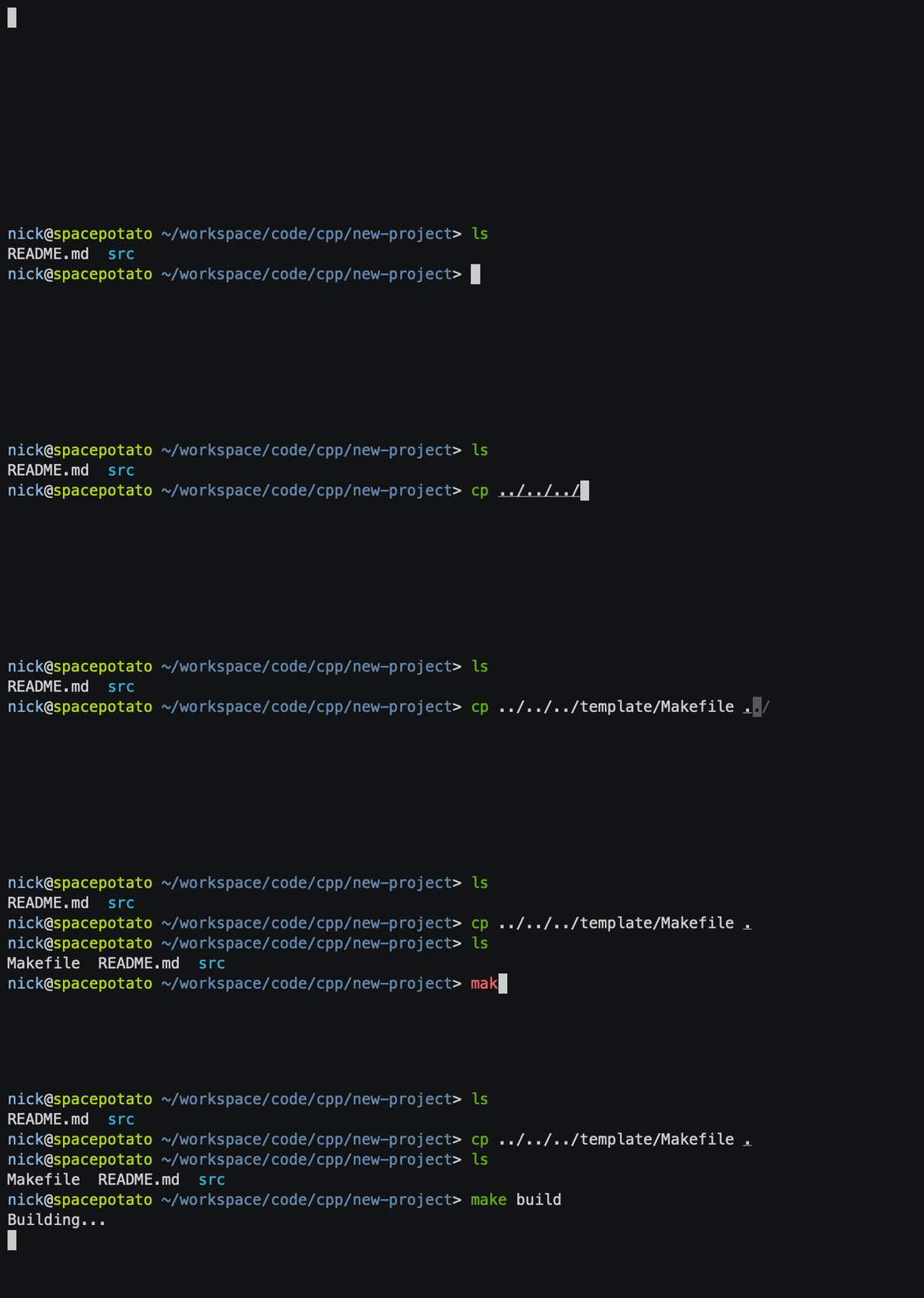
It's a little hard to see in the demo because it expands as you type, but cp ..../template/Makefile . is being typed.
Typing !! will expand to the previous command, similar to Zsh, Bash, and other shells. For example, if you type apt update you will likely see a permission error. You can then type sudo !! and it will expand to sudo apt update.
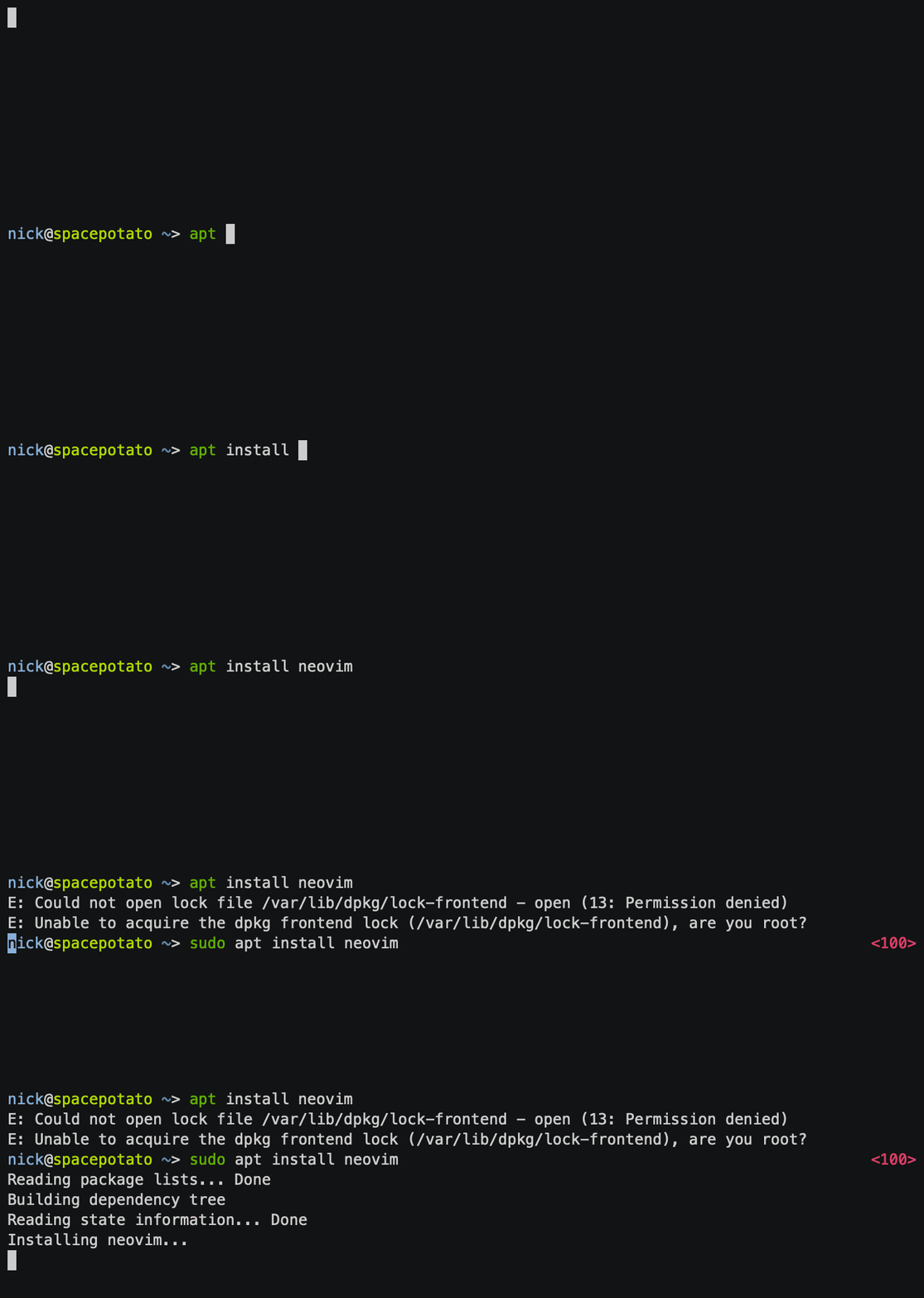
This can be especially useful if you don't want to retype a long command, or navigate around with the arrow keys. Or if you want to re-run a command as part of pipeline.
some-long-command -abcdef --long-option --another-long-option /a/long/path/to/somewherecat file1 file2| !! | grep 'search-key' | wrap -s
Typing !$ will expand to the last argument. For example, if you searched packages with pacman and found nothing, you'd like to also search in the AUR.
pacman -Ss somethingparu -Ss !$
Typing !* will expand to all arguments. For example, if you created some directories and then wanted to run chmod on them.
mkdir /tmp/a /tmp/b /tmp/cchmod 700 !*
Installation
Install with Fisher:
fisher install nickeb96/puffer-fish
Manually:
Copy functions/* and conf.d/* to your $__fish_config_dir directory. Make sure to create them if they don't already exist.